
Siit allows you to create and manage multiple workspaces under a single account. Each workspace has its own user lists and billing plans, providing flexibility and organization tailored to specific team needs.
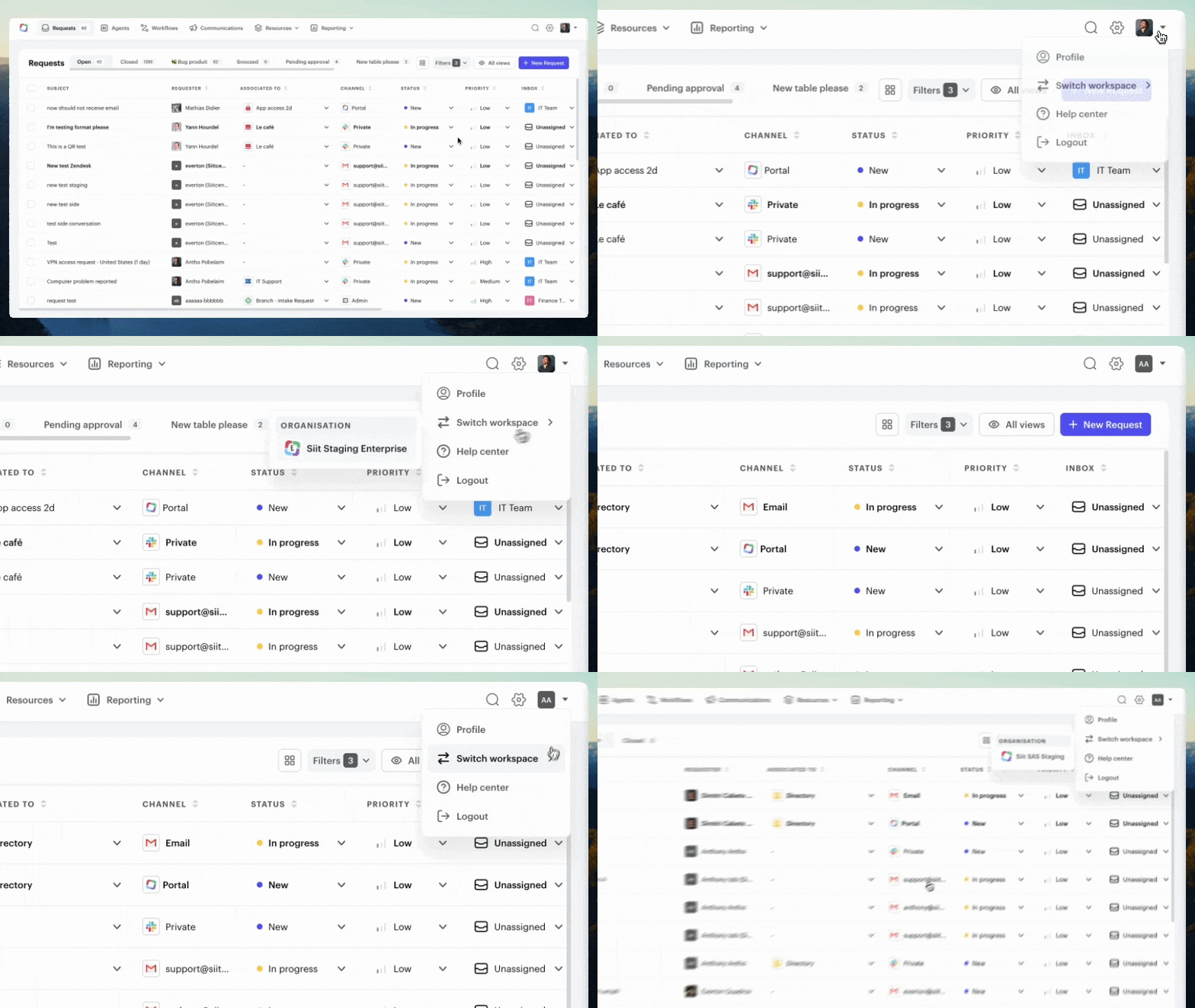
To switch between workspaces:
- Click on your profile picture in the top right corner.
- Hover over "Switch workspace."
- If you have other workspaces associated with your account, a list will appear for you to select from.